Projects
Built and managed macro-enabled Excel templates to automate auditing, pricing analysis, and reporting processes for Trimedx, a clinical asset management company. Enabled high-volume data updates, improved master data accuracy, and delivered compliance reports efficiently.
Summer 2020 - Winter 2025
Project Description:
I created macro-enabled Excel templates for the Master Data team to audit monthly master data analyze PO pricing variances, MSA contract pricing discrepancies, and historical pricing, reducing audit process time by more than 50%, enabling high-volume data updates, ensuring accurate master data, and generating contractual compliance reports for review.
Collaborated with teammates and supervisor throughout development, incorporating automation suggestions and feedback to enhance template functionality.
I gained a deep understanding of reporting and audit processes, data manipulation, and visualization goals to streamline and automate workflows.
I condensed and improved process steps, increased template versatility and data integrity, and reduced required VBA code.
Project Highlights:
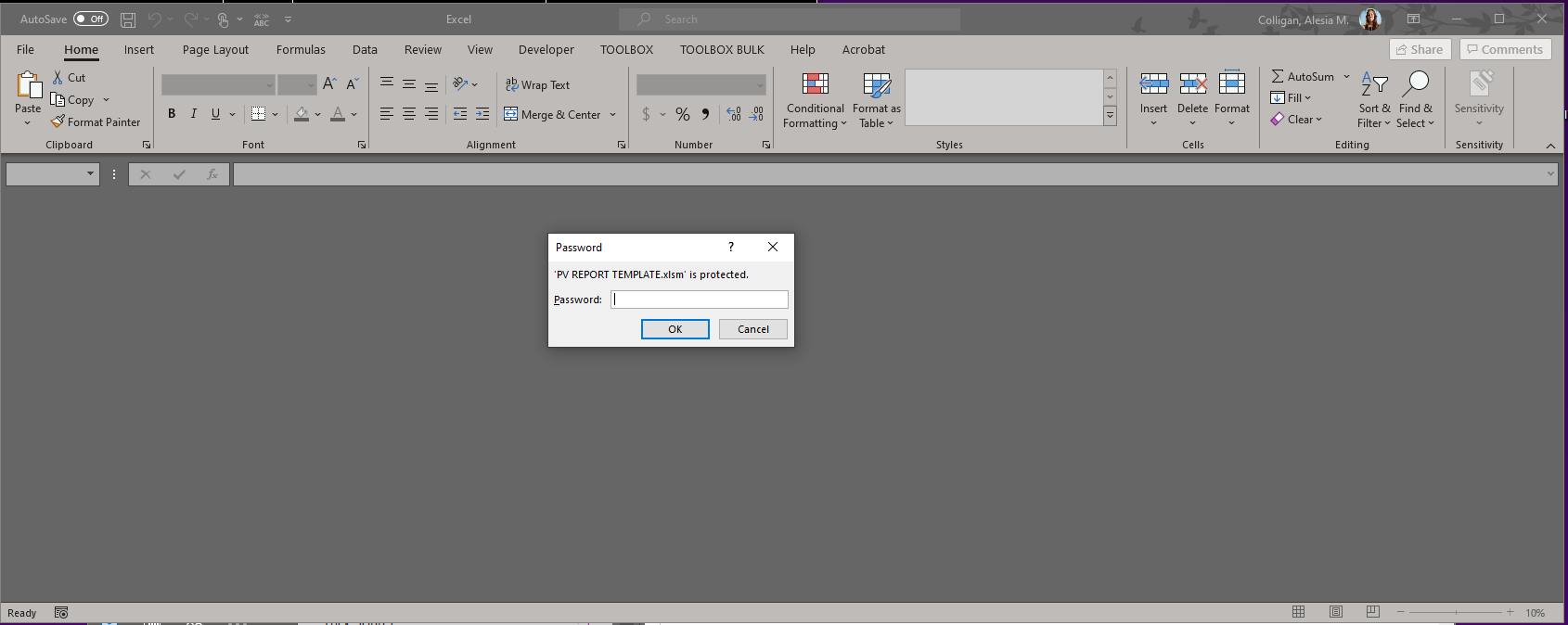
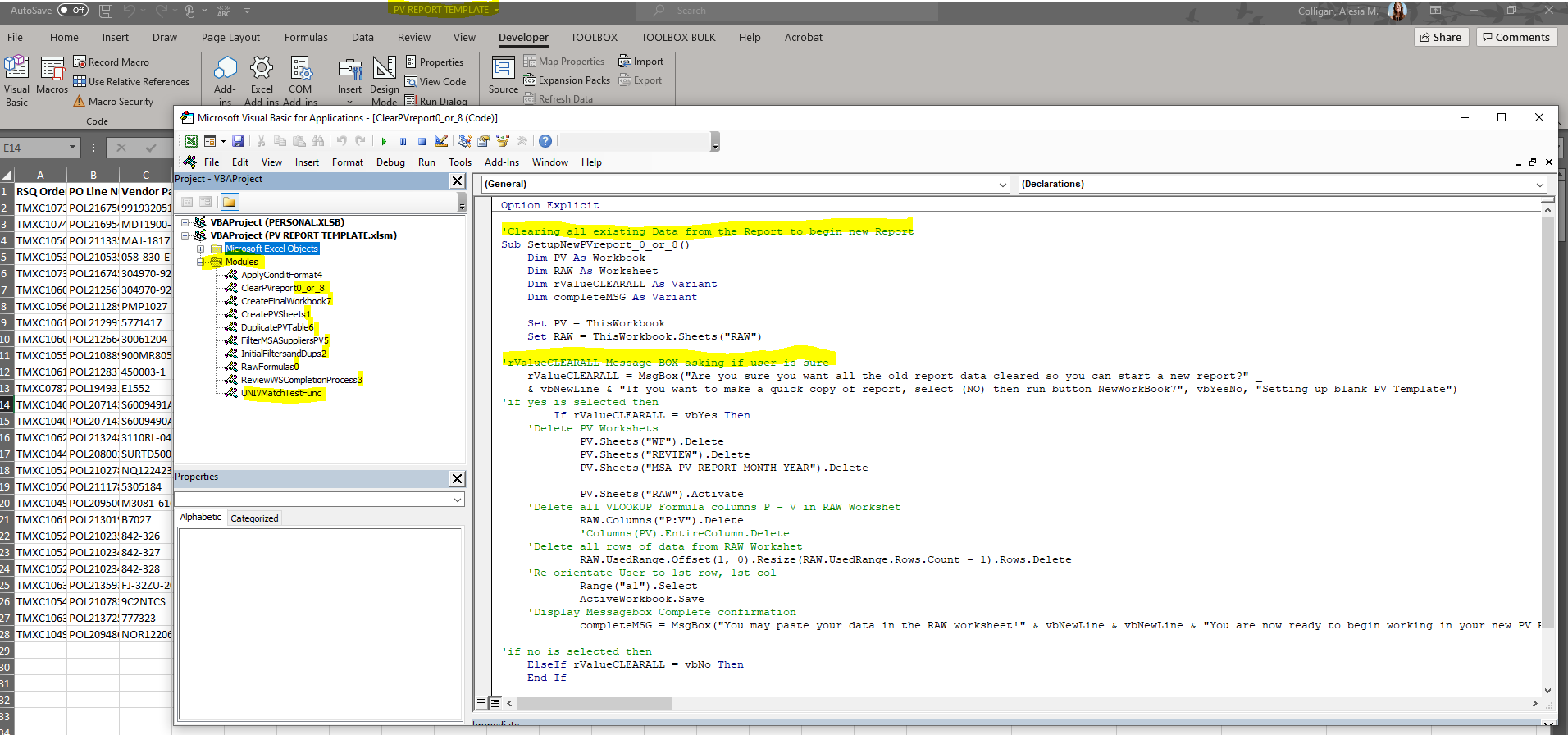
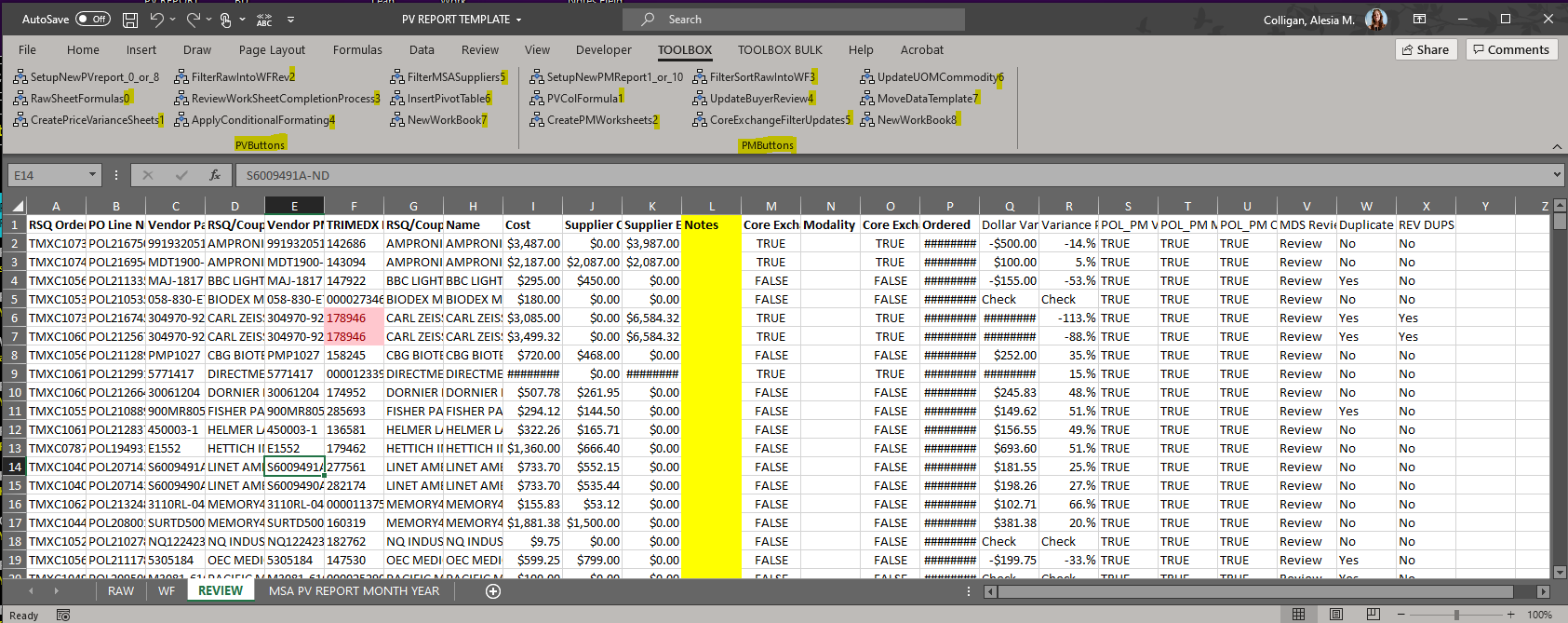
In the Excel templates, I designed macro-enabled buttons with step numbers, using a clear naming convention to guide users through a 12-step process.
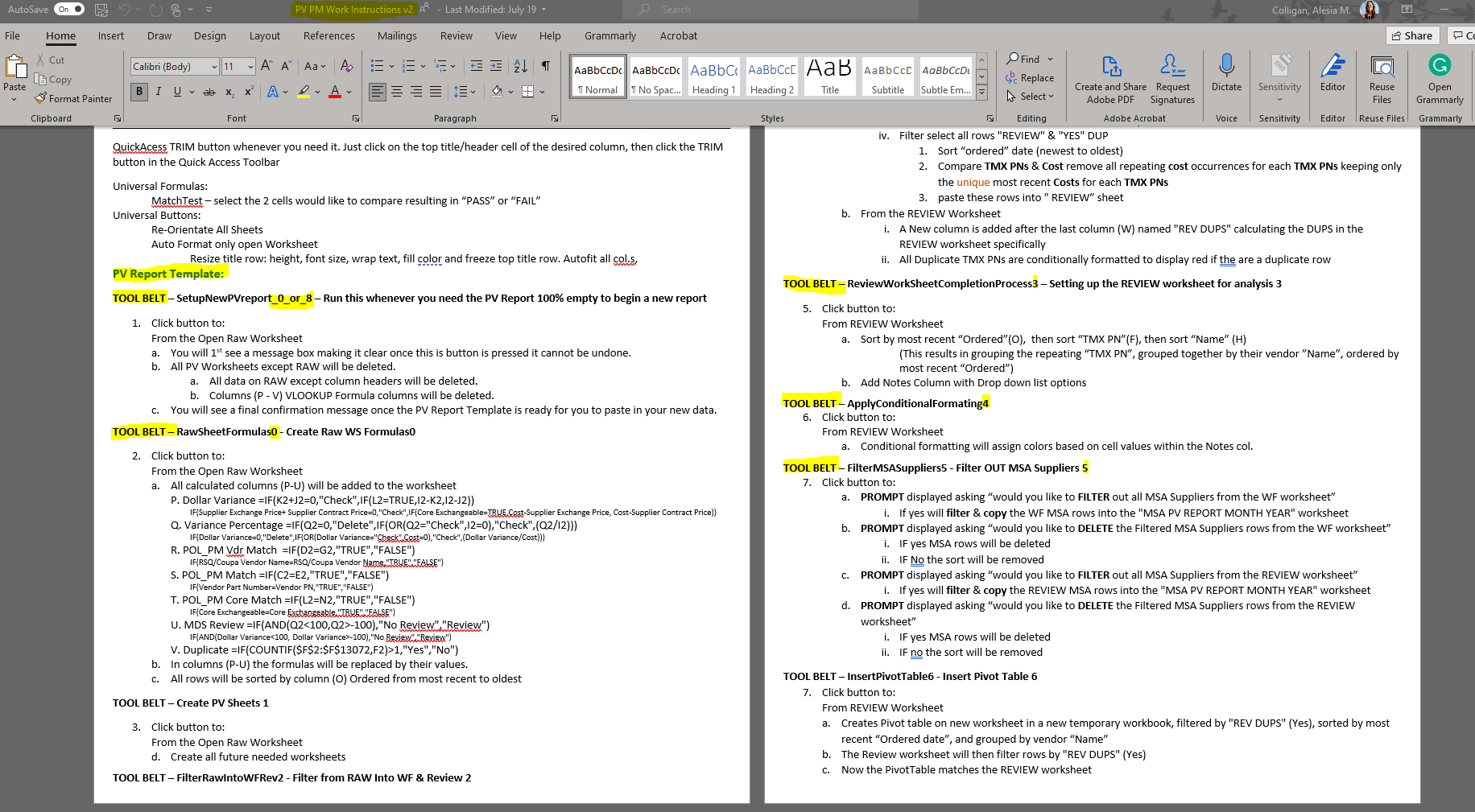
I documented detailed instructions so all users could utilize the templates independently.
I'm proud of the results, which were only possible through collaboration with my teammates and supervisor.
The team continues to use and enhance these templates today!
Macro-Enabled Excel Templates for Trimedx Slideshow
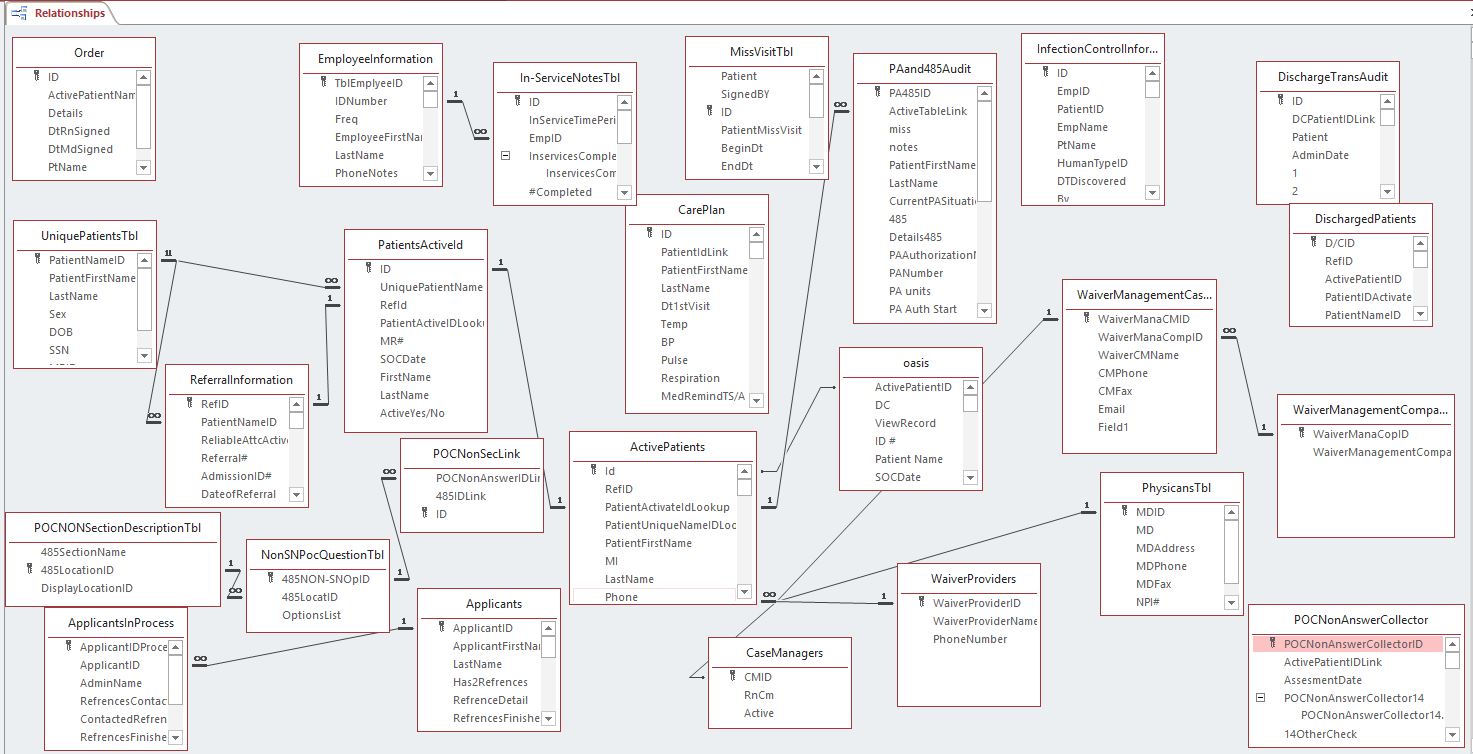
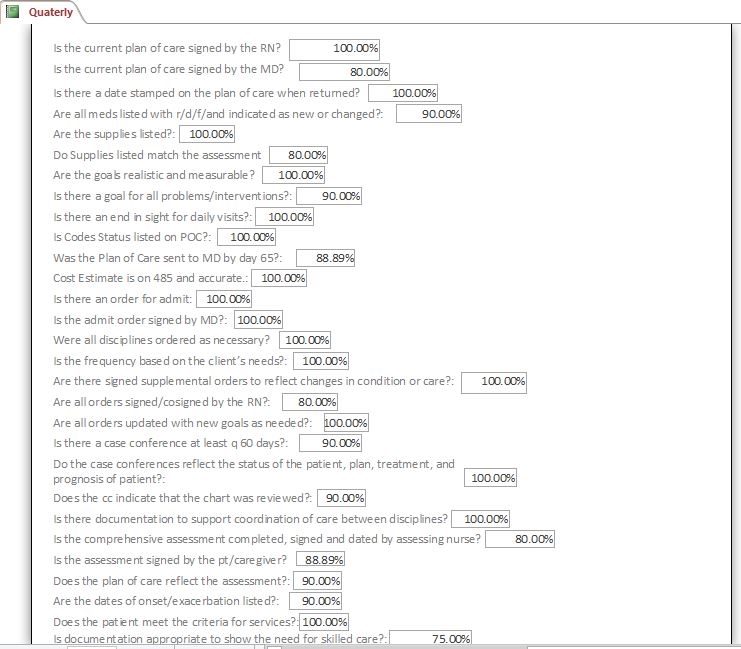
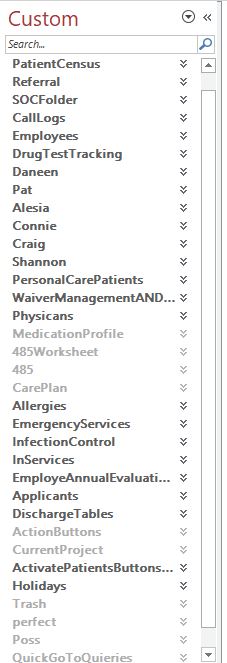
Built and Managed a Microsoft Access Database for a Home Healthcare Service Provider
December 2015 - September 2019
Project Description:
I completed a two-week internship with a medical service provider, where I collected, cleansed, organized, inputted, and stored company data in Microsoft Access tables.
Following successful project delivery, I was hired to further develop and maintain the database, which became an essential tool for all office staff.
Through relational database organization & development I was able to accomplish the following:
Ensure data integrity.
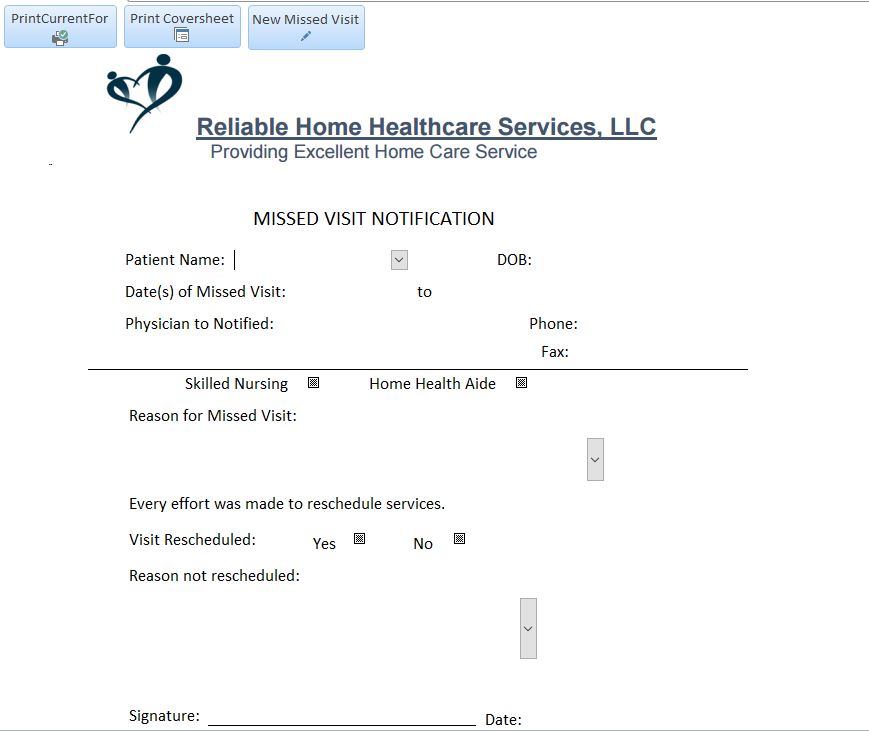
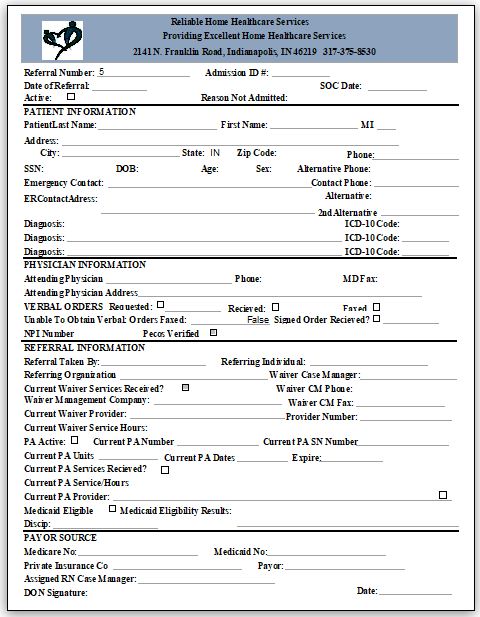
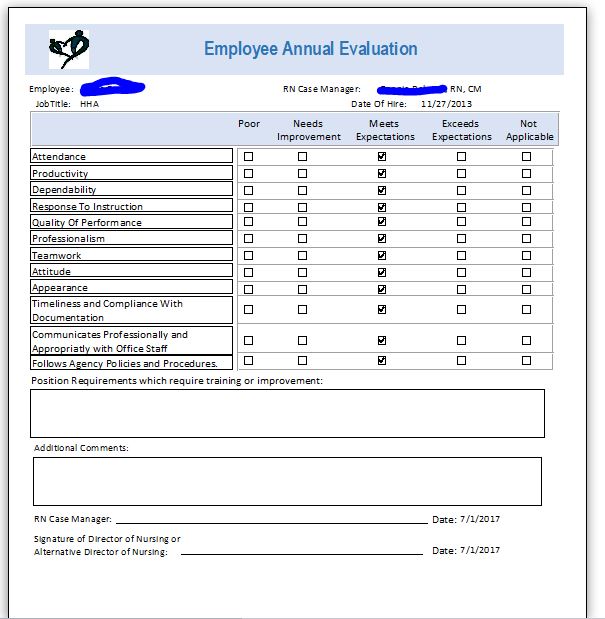
Ceated over 50 digital automated forms, eliminating the cost the company incurred to order these forms and significantly reducing processing time.
Developed on-demand SQL queries for reporting, analysis, tracking, and input forms, enabling efficient data management.
Leveraged SQL queries to deliver analytical reports, enhancing quality control across operations.
Exported and submitted required data documentation to the state and passed a random state audit.
Microsoft Access Database Slideshow

CSCI-342 Server Side Programming IUPUI
Fall 2018
Project Reflection:
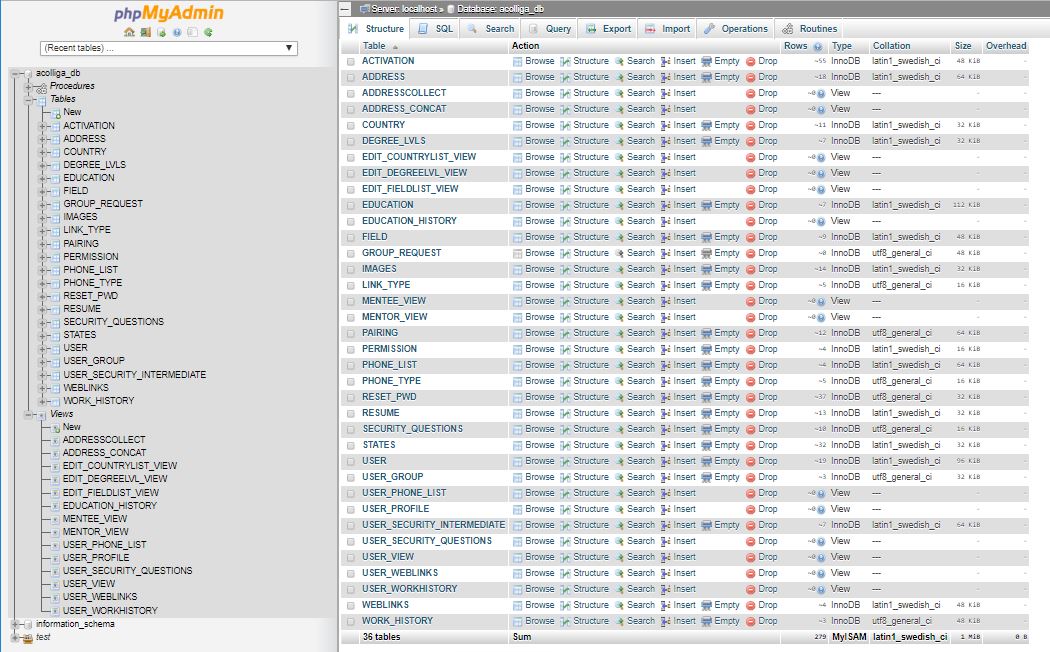
This course has taken me through many levels and has taught me so much. For the first time, I familiarized myself on how to utilize multiple local servers and the Discord platform. Next, I learned Html, then Php, then Css, followed by Jquery and Ajax, finishing with MySql and phpMyAdmin. Learning each of these platforms, languages, and extensions took a lot of research on my part because I had no prior experience with any them.
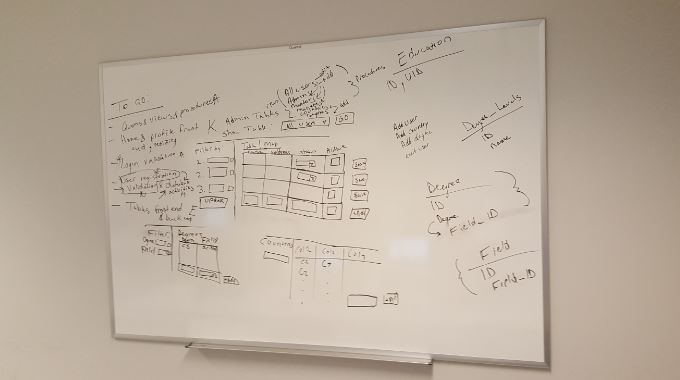
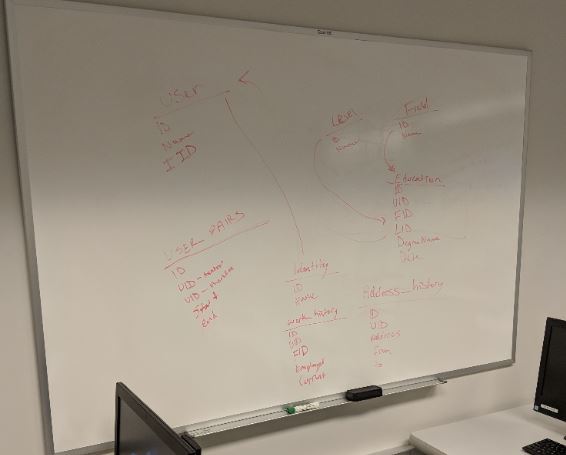
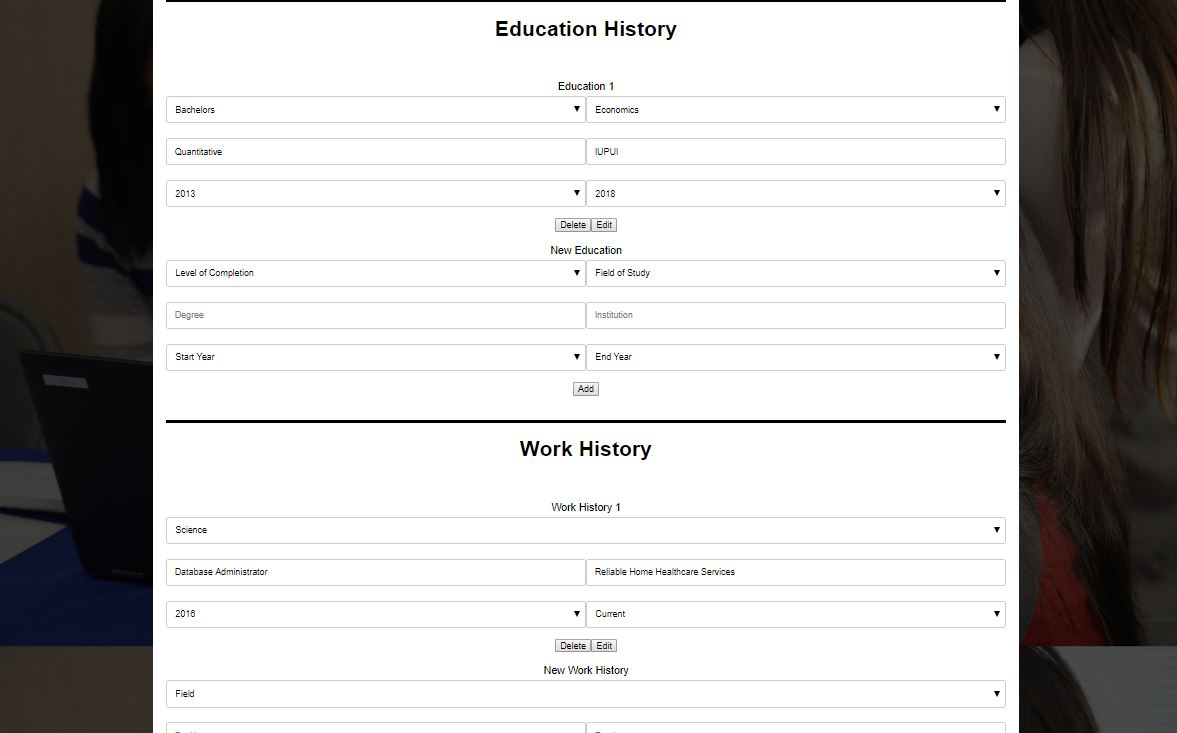
Phase 1 Project: In phase one of the project I oversaw the building of our database. I took this role very seriously because I know the importance of a database being built correctly from the beginning. Concurrently, my team began designing our front-end site visual.
Phase 2 Project: In phase two of the project I oversaw creating views and writing php validation code on the web pages. The views were simple enough but time-consuming.
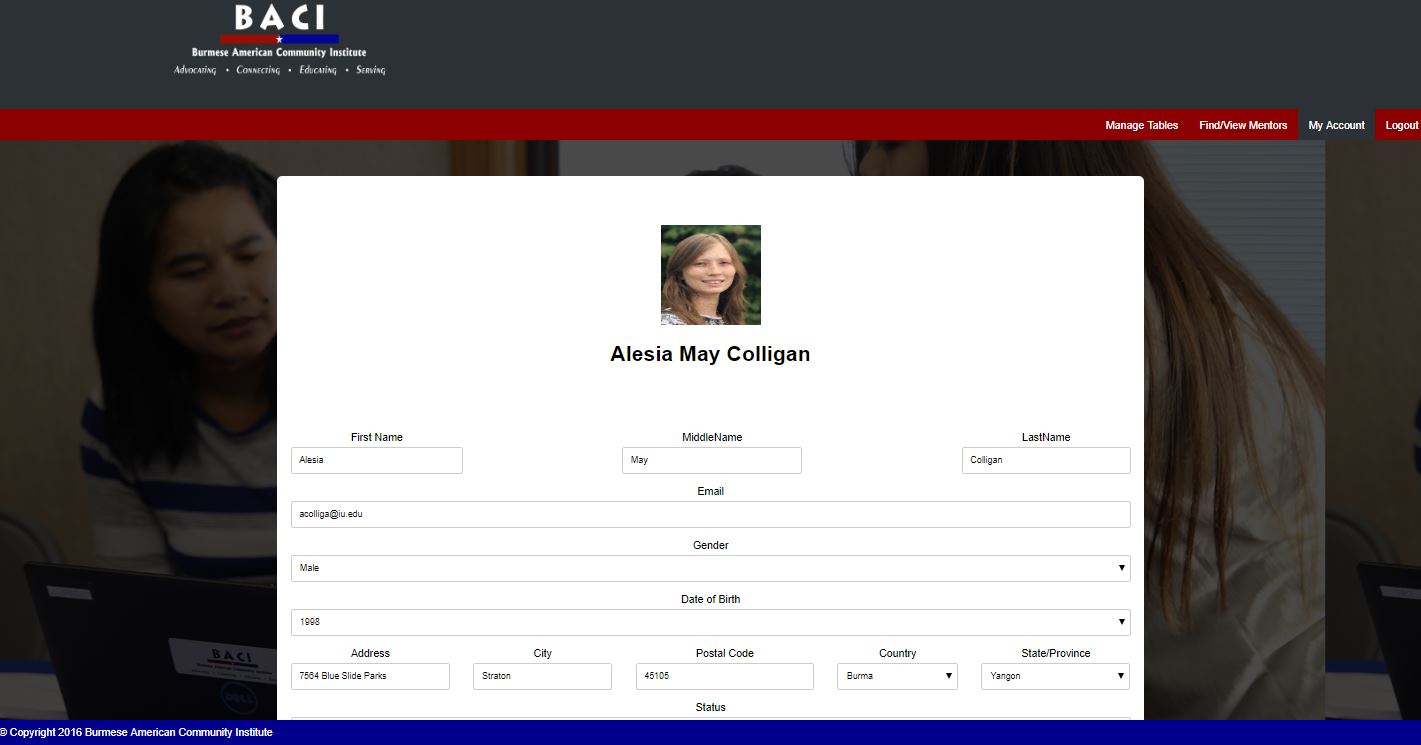
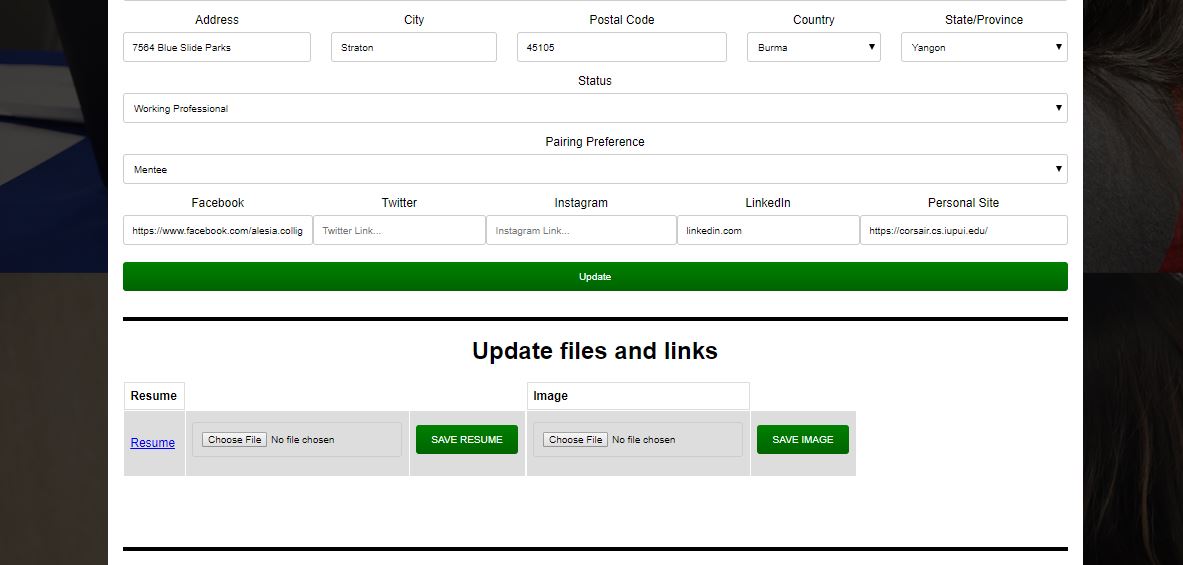
Phase 3 Project: In phase three of the project I became needed on the user side of the project, creating the user profile page. To date this was my biggest challenge for it required a lot of php code, which had to merge properly with the other pages and classes.
Lessons:
I learned some valuable lessons from this course and project. First of all, it is hard to predict the time required to complete a programming assignment. This is crucial because one cannot submit a program until it functionally works.
Another lesson I gained is that your customer may not always have clearly defined requests. It can become your responsibility to help them through this process, in order to be able to create a product which they can benefit from.
Finally, never rely on another group members contribution to the point that if they falter the entire project falters. A group member of mine wanted to develop an alternative user profile page, which they believed would be more aesthetically appealing. This was the best decision because in the end their page was not ready, and we used my less aesthetically appealing but functional page.
Website Details:
The website link used to be included here for exploration purposes but unfortunately, IUPUI no longer hosts the website on a server.
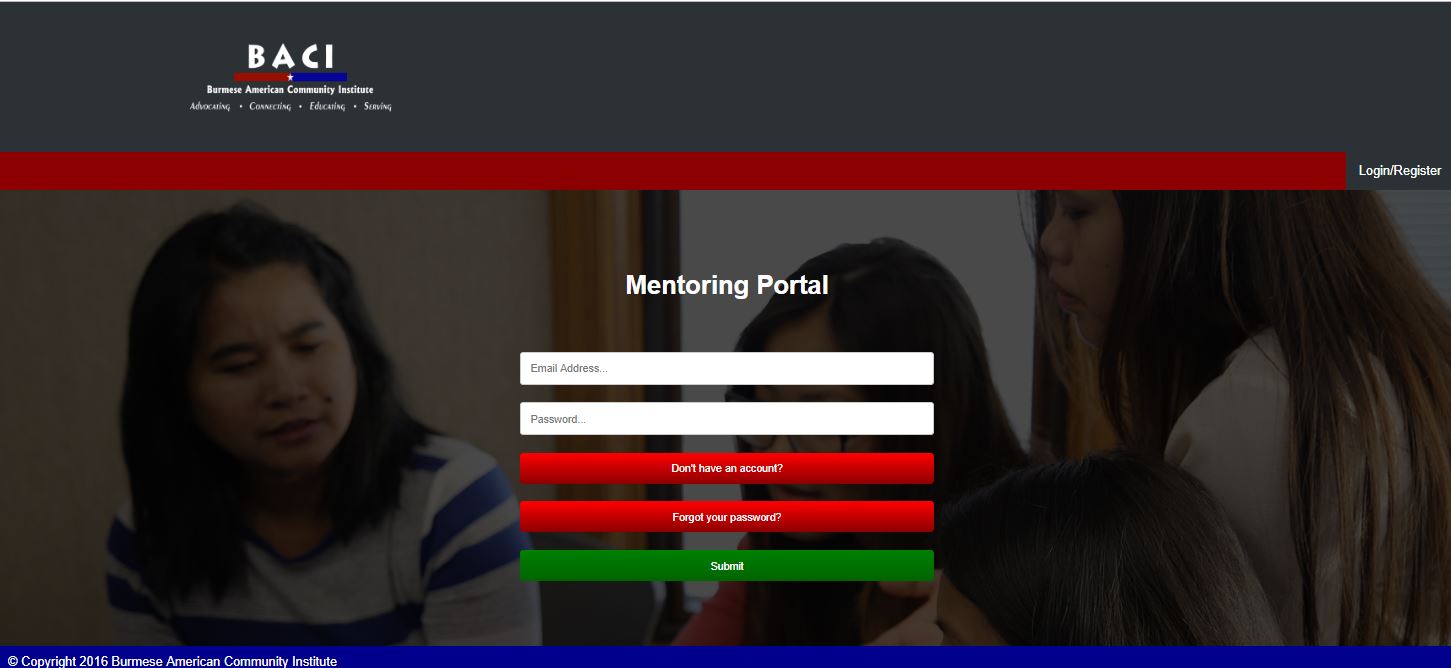
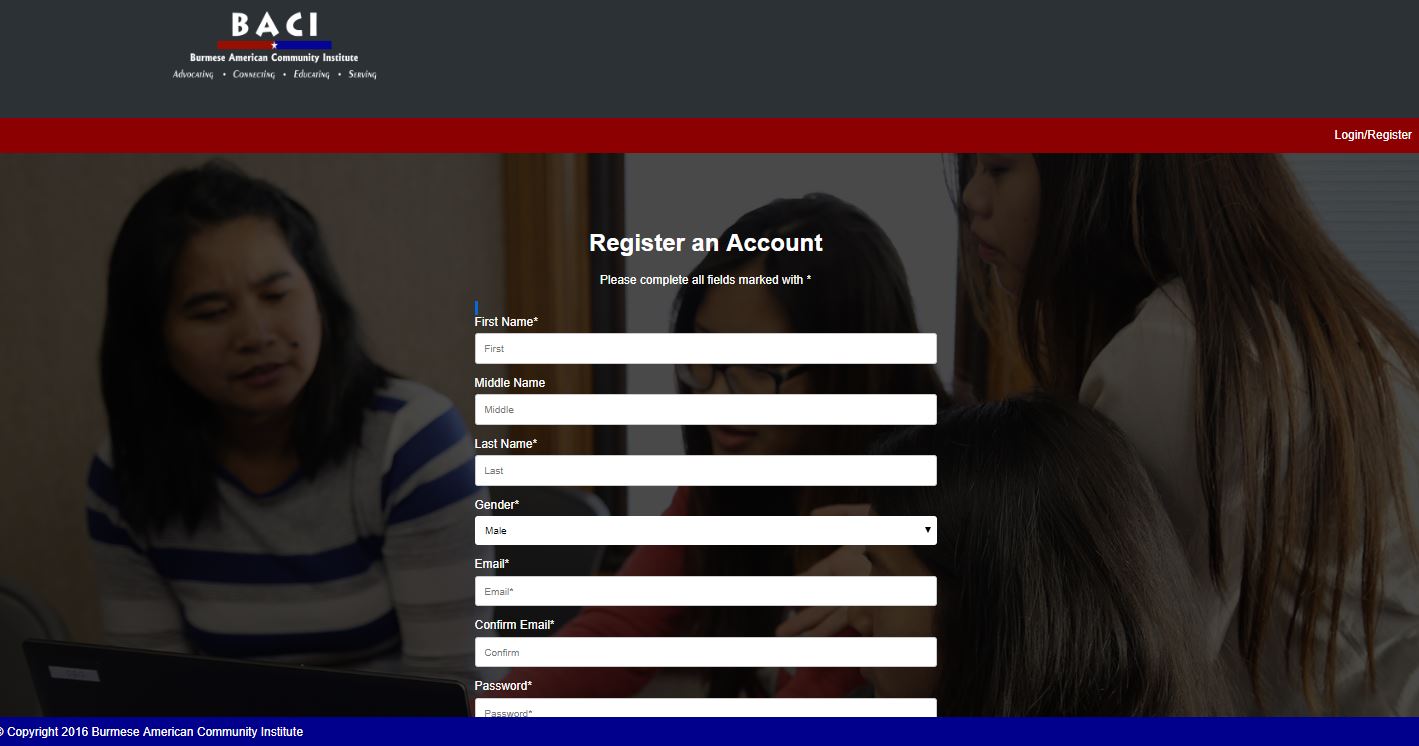
Our website utilized multiple permission levels with credentials for SuperAdmin, Mid-Level Admin, Coordinator, and Basic User access.
Server Side Programming Website Project Slideshow


Spring Gardening & Education Event
Spring 2018
Project Description:
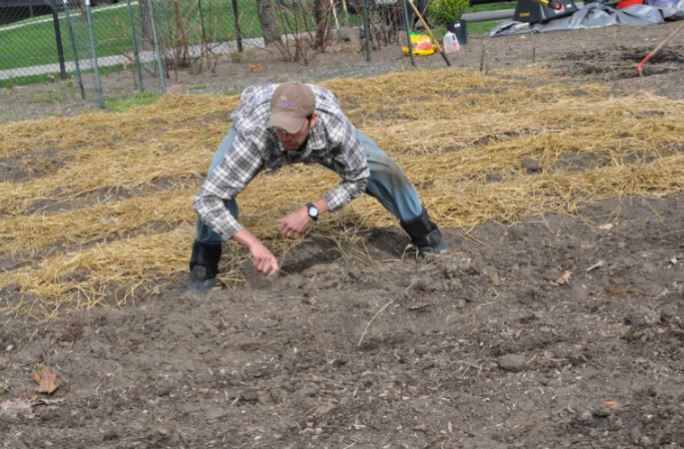
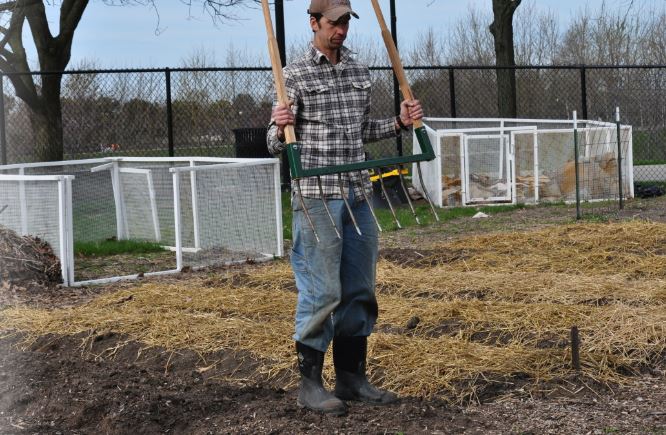
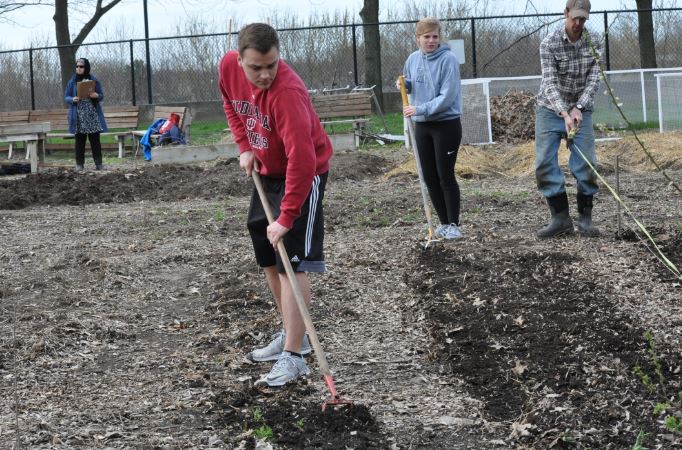
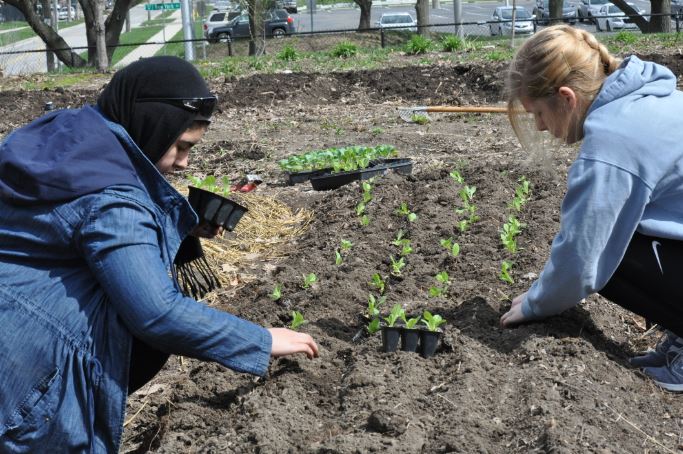
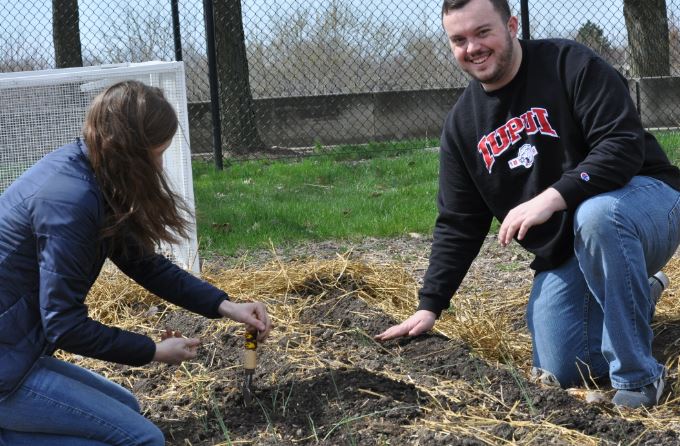
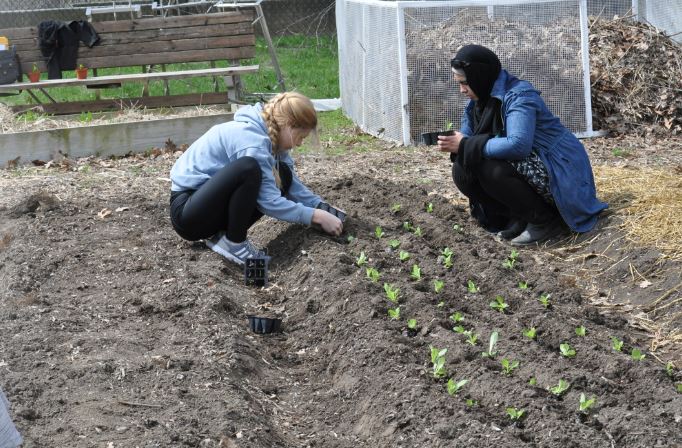
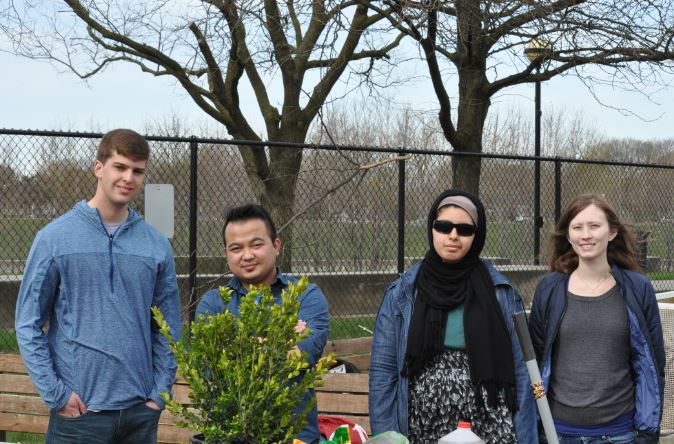
I lead a group of three students as we hosted a garden event located in the IUPUI New York Street Garden along the canal. The mission of the event was to above all, to give the attendees a hands-on educational experience, igniting their excitement to garden.
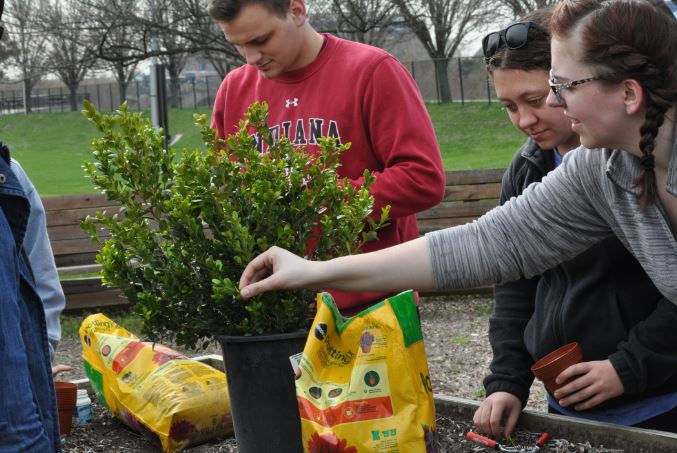
To increase interest in the event, we delivered a special program. With the support of my group, I taught the attendees how to take a cutting from a bush and properly replant the cutting into a soil cup which they were allowed to take home as a souvenir.
This event required our coordination with Vincent Razo, the Urban Gardens Manager of the Developing IUPUI Gardens Sustainably (DIGS) program.
Project Results:
The event was a success! Resulting in 12 attendees volunteering for three hours, planting 436 plants. The development of the non-utilized land increased the area of the garden by 480 square feet.
Spring Gardening & Education Event Slideshow